
Google Sheets for Excel Users Launch
Included with Campus Pass and CPE Pass or Standalone • Launch bonuses end July 17
If you’re an Excel user but need to get comfortable in Google Sheets, this is for you.
Most spreadsheet training treats you like a beginner. This program assumes you already know what you’re doing in Excel. The goals are simple:
- Discover what Google Sheets has that Excel does not have
- Understand which Excel features are also in Google Sheets
- Learn which Excel features are not in Google Sheets
Register Now
There are three ways to obtain the Google Sheets course at registration:
- Included FREE with a CPE Pass
- Included FREE with a Campus Pass
- Standalone course
Registration closes (firm deadline): July 17, 2026 at 11:59 pm CT
What you’ll be able to do
By the end of Google Sheets for Excel Users, you’ll be able to:
- Map the Sheets interface to what you already know from Excel so you’re not hunting for basic commands.
- Move your existing Excel files into Sheets without quietly breaking references or structure.
- Use modern Sheets tools like ARRAYFORMULA, QUERY, IMPORTRANGE, IMPORTHTML, IMPORTXML to replace fragile manual work.
- Clean and prepare data with tables, validation, cleanup tools, and imports.
- Build and maintain pivot tables, charts, and dashboards in Sheets.
- Set up collaboration the right way: comments, filter views, protections, version history so the team can’t wreck your work.
This is not theory. It’s built around the kind of work accounting and finance pros actually do every day.
How the course works
- Video lessons with on‑screen demos
- Practical exercises with downloadable files
- Final exam and certificate of completion
- Need CPE? 7 CPE hours in Computer Software & Applications (basic level, QAS self‑study)
One year enrollment period.
What’s inside Google Sheets for Excel Users
- Welcome + Orientation
Start with the course overview, learning path, and how to get the most out of the training as you move through each lesson. - Lesson 1: Getting Started
Learn the Google Sheets interface, how the exercise files work, how to make your own copy, and how autosave and version history protect your work. - Lesson 2: Structure & Navigation
Understand key terminology and references, navigate efficiently between sheets and ranges, and see how IMPORTRANGE connects data across files. - Lesson 3: Fundamental Features
Work with tables, named ranges, data validation, checkboxes, conditional formatting, smart chips, and alternating colors so your files are clean and user‑friendly. - Lesson 4: Working with Data
Use paste special, clean up imported data, and apply tools and functions like PROPER, LOWER, SPLIT, column stats, import tools, and IMPORTDATA to prep data for analysis. - Lesson 5: Formulas & Functions
Build confidence with modern Google Sheets formulas including ARRAYFORMULA, SORTN, QUERY, GOOGLEFINANCE, IMPORTHTML, IMPORTFEED, and IMPORTXML so you can automate more of your work. - Lesson 6: PivotTables
Create and refine PivotTables using rows, columns, values, filters, slicers, grouping, formatting, “show as” options, and updates to summarize data without breaking your model. - Lesson 7: Charts
Create column, line, and bar charts, edit and format them, manage sorting and aggregation, and use SPARKLINE for quick in‑cell visuals. - Lesson 8: Collaboration
Work safely with roles, collaborators, general access links, protection, hidden sheets, notes, comments, filter views, and publish‑to‑web so others can use your files without destroying them. - Exam and Certificate
Complete the final exam, earn your certificate of completion, and submit the course evaluation to receive 7 CPE hours for the full on‑demand course.
Three ways to enroll
1. FREE with CPE Pass – Best for CPAs who need CPE
- Google Sheets for Excel Users (7 CPE hours) inside your CPE Pass
- Access to the Google Sheets Implementation Lab:
- Live session on Tuesday July 21, 2026 at 2p CT
- Full access to Excel CPE courses for the year
- The AI+Automations module (normally $297) to help automate repetitive spreadsheet work
2. FREE with Campus Pass – Best for skill‑building without CPE
- Google Sheets for Excel Users (non‑CPE version) inside your Campus Pass
- Access to the Google Sheets Implementation Lab live on July 21, 2026 at 2p CT
- Full undergrad + masters Excel training library
- AI+Automations module included
3. Standalone Course – ($179 for one-year access)
- Google Sheets for Excel Users as a standalone 7‑CPE course
Does not include:
- Google Sheets Implementation Lab (live or recording)
- AI+Automations module
- Access to the broader training library


Student Success Guarantee
Registration comes with our Student Success Guarantee. The 7‑Day Year‑End Prep Intensive gives you a clear 7‑day plan. If you follow the workflows we show (Power Query > Tables > PivotTables) you and don’t save at least 5 hours on your year‑end work, email us within 30 days from date of purchase and we’ll refund you 100%. You’re also covered by our standard 30‑day, no‑questions‑asked refund if you just decide it’s not for you.
Unconditional 30-day refund: 30-day full refund. Any reason. Simple.

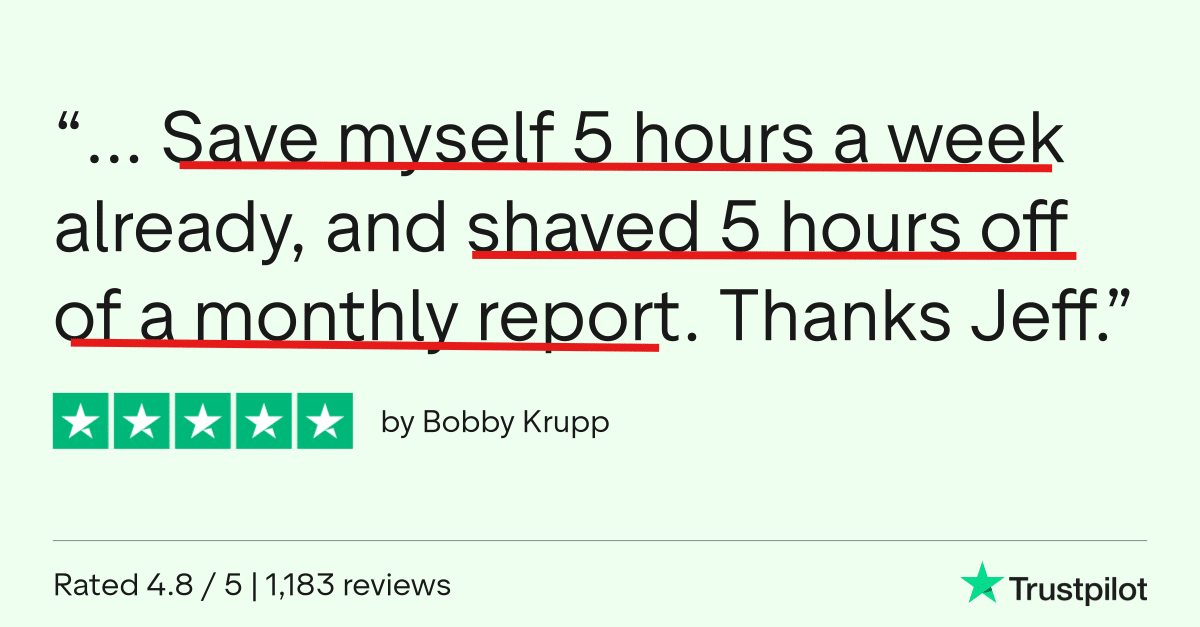
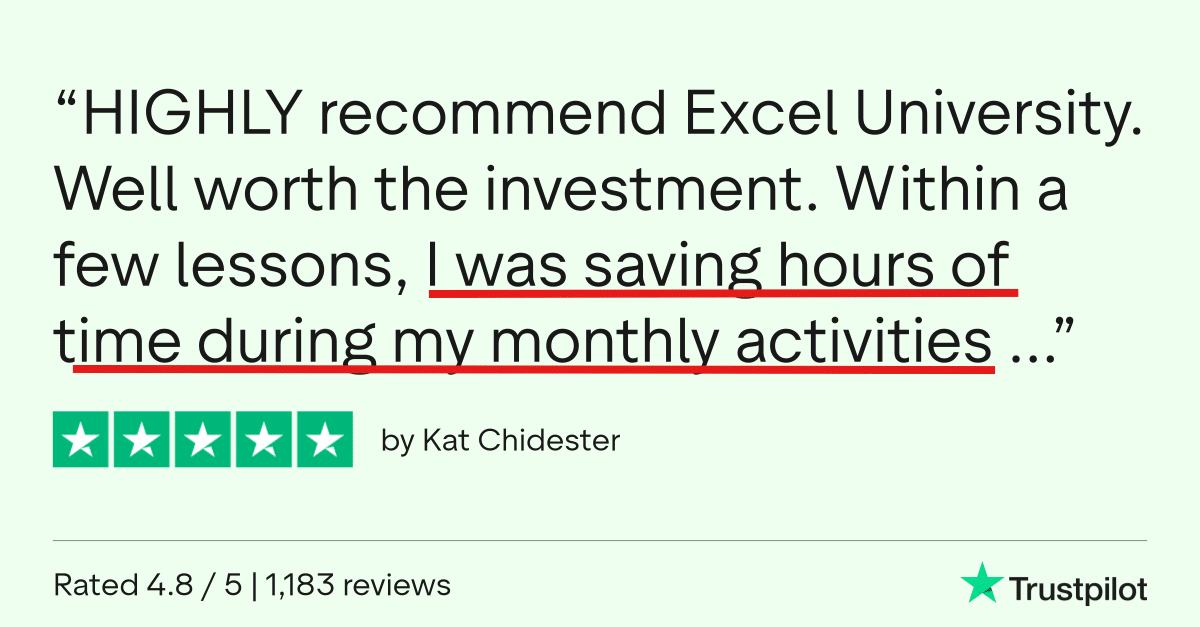
Don't Take My Word For It

Register Now
Access the Google Sheets for Excel Users course with any of these options:
See the Comparison Chart below to understand the core differences between the registration options.


Register by July 17, 2026 at 11:59pm CT to receive the Live Implementation Lab Bonus (for CPE Pass and Campus Pass registrations only). Note: the standalone option includes the course only, but not the lab.
| CPE PassFor CPAs | Campus PassNo CPE | Standalone Google SheetsOne‑time | |
|---|---|---|---|
| Best for | CPAs & accounting/finance pros who need CPE hours throughout the year | Accounting/finance pros & students who want skills but don’t need CPE | One‑off CPE for this specific Google Sheets topic only |
| Includes Google Sheets for Excel Users | YesCPE version | YesNon‑CPE version | YesCPE version |
| CPE credit for Google Sheets | 7 CPE hours | No | 7 CPE hours |
| Google Sheets Implementation Lab live + recording | Includedif Pass is active by launch deadline | Includedif Pass is active by launch deadline | Not included |
| Access to other Excel lessons | Undergrad, Masters & ElectivesCPE versions | Undergrad, Masters & ElectivesNo CPE | Nonejust this course |
| AI + Automations lessons | Included | Included | Not included |
| Price | $620per year | $480per year | $179one year of access |
| Billing | Annual subscription | Annual subscription | Single payment |
FAQs
Who is this for?
- Accounting and finance pros handling year‑end close, reporting, audit/tax prep, or planning.
How long do I have access?
- You have full access to all materials during the one-year enrollment period.
Do I need to close the books personally to benefit?
- No ... the workflow and files apply to general reporting and reconciliation tasks (not just year-end).
What if the 100 live seats sell out?
- You still get all bonuses and replays of the live sessions; only the "live room" bonus disappears.
Can teams buy?
- Yes. Just change the quantity to match the number of students on your team. One license per student. After checkout, you'll assign licenses to your students. Once you submit, our system will notify your students with login details.
Do I have to be at a certain skill level?
- I've intentionally designed this course to help Excel users at all levels.
Will the training be too difficult?
- I have implemented everything I learned about teaching Excel over the past decade. And as a result, I use common language to explain concepts rather than trying to make myself sound smart by using techie terms and acronyms. I use everyday plain language to make the technical topics easy to understand.
How much time will it take?
- The number of CPE is a good estimate, that is 3 hours, however, you'll be getting your first win within the first 20 minutes.
Can't I just figure all of this out on my own?
- Well ... maybe ... but that will take way too long. As Steve Jobs said, Time is our most precious resource. My training program is designed to help you learn Excel in the most efficient and effective possible way.
CPE Information
- Instructor: Jeff Lenning CPA
- Recommended Software: Excel 365 for Windows
- Program Level: Basic
- Prerequisites: None
- Advance Preparation Needed: None
- Delivery Method: QAS Self-Study (on-demand)
- Expiration Date: 1 year
- Refund Policy: Full refund within 30 days or until you earn any CPE
- Field of Study: Computer Software & Applications
- Access Begins: Immediately
- Certificate of completion: Download with a passing exam score
- Recommended CPE: 2 (for the on-demand lessons; no CPE for the live sessions)
- Materials: all materials are digital (no printed textbooks)
- Objectives: Recall the special properties of Tables; Identify the Excel feature that summarizes values and displays them in rows and columns and includes totals; Recall which tool is designed to get and transform data
- Complaint Resolution: contact us at 949-200-7688 or [email protected]
- Official Registry Statement: Excel University, Inc. is registered with the National Association of State Boards of Accountancy (NASBA) as a sponsor of continuing professional education on the National Registry of Sponsors. State boards of accountancy have final authority on the acceptance of individual programs for CPE credit. Complaints regarding registered sponsors may be submitted to the National Registry of CPE Sponsors through its website nasbaregistry.org.