
Start Your Free Campus Pass Trial and Unlock
Excel University Complete
7‑day free trial. $0 today. Cancel anytime in the first 7 days and you’re never billed.
5-Pillar Training Program
- Fast Win Foundation: Modern Excel Crash Course ($49 value)
- Core Training: Speed Loop, Undergrad, Masters ($1,164 value)
- Electives: AI, Automation, Google Sheets ($476 value)
- Support Network: Live office hours, study halls, student union ($400)
- Completion Engine: Gamification, billing discounts ($200)
A-la-carte value: $2,289
0
Students TrainedCampus Pass (free trial)
- 7‑day free trial
- $0 today
- $480/year until you cancel
- You can cancel at will with 2 clicks
- Includes webinar bonus (Modern Excel Crash Course)
- Best for professionals who do not need CPE credit
CPE Pass (free trial)
- 7‑day free trial
- $0 today
- $620/year until you cancel
- Earn up to 124 CPE
- Includes webinar bonus (Modern Excel Crash Course)
- Best for professionals who do need CPE credit
NOTE: the next screen will show an amount per period ... that is the annual subscription amount billed after the trial period (there is no charge today).




What Happens Next?
- Click the desired Register button above.
The billing period is Annual. The price shown is the annual renewal amount, not today's charge. You are charged $0 today. Cancel before day 7 and you are never charged. On day 7 you are billed the annual subscription. - Get immediate access.
Right after checkout you can log in and see all of your training materials. - Work through the lessons at your own pace.
You can move as quickly as you’d like through the lessons and attend as many live office hours and study halls as you want for support. - Enjoy your newfound efficiency at work.
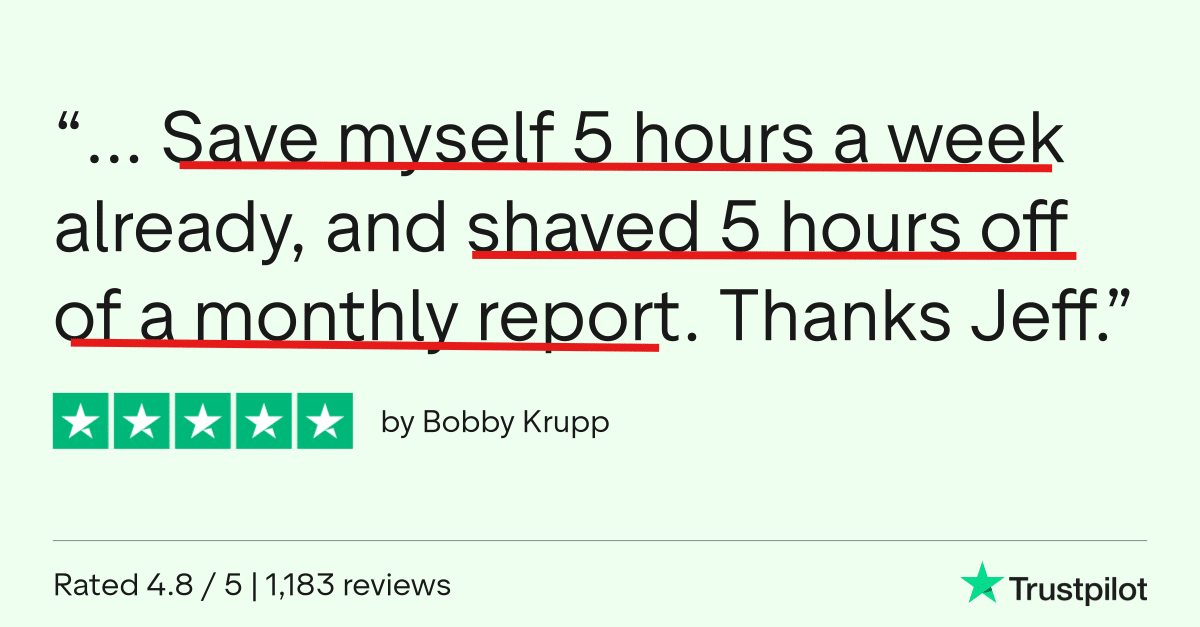
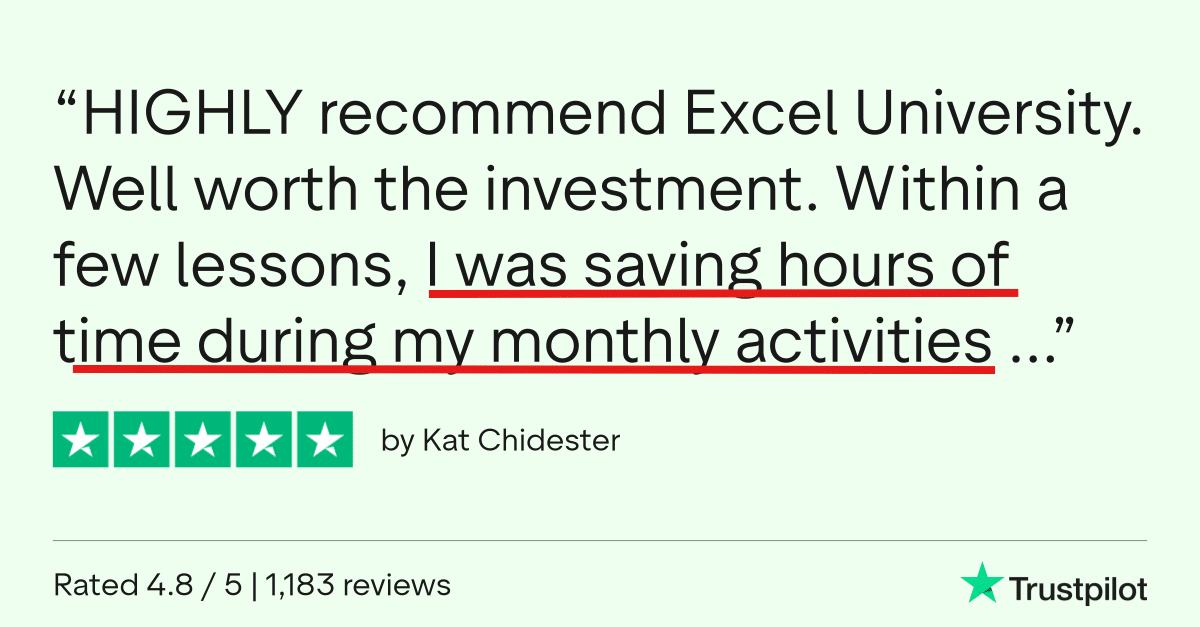
Close the books faster, make fewer mistakes, and become “the Excel person” your team relies on.


Student Success Guarantee
Registration comes with our Student Success Guarantee.
- Unconditional 30‑day refund: 30‑day full refund. Any reason. Simple. (Or until you earn CPE.)

FAQs
How long do I have access? Is this lifetime?
This is an annual subscription, not lifetime access. Here's exactly how it works:
- During your 7-day trial: Access training, lessons, quizzes, exams, live office hours, study halls, and the Student Union community.
- If you cancel immediately or anytime before day 7: no charge ever
- On day 7: you are billed for the annual subscription. It will auto-renew until you cancel. You can cancel at will with 2 clicks. When you cancel, you retain access to all materials for the remainder of the billing cycle. The subscription will not renew.
- What you keep forever (after you cancel): Everything you download during your enrollment (workbooks, book chapters, templates, PDFs, additional resources, and certificates) is yours to keep as a permanent reference.
How much CPE can I claim?
If you choose the CPE Pass, you can earn up to 124 CPE hours. CPE is issued incrementally as you proceed. How many hours you can or should claim in a single reporting period depends on your state board’s rules and your renewal dates.
What should I do first?
Start with the Modern Excel Crash Course to get fully up to speed on the latest features, then begin the undergrad lessons by clicking the Graduate Program course card in your student dashboard. Your welcome email will walk you through these steps.
Will this help my LinkedIn profile?
Yes. You’ll be able to add the Certified Excel University Graduate (CEUG) credential to your LinkedIn profile, and when you complete the program we’ll send instructions so Jeff can write you a short LinkedIn recommendation as well.
CPE Credit for CPAs
- CPE is issued at the completion of each lesson.
- The Graduate Program is offered for 68.5 CPE.
- The Masters Program (included) is offered for 55.5 CPE.
- The Modern Excel Crash Course is offered for 3 CPE
- The Google Sheets for Excel Users is offered for 7 CPE.
- The AI + Automation lessons in Electives is not offered for CPE.
- The registration page provides additional CPE information, such as recommended CPE hours, delivery format, learning objectives, and more.
Do I have to be at a certain skill level?
- I've intentionally designed this program to help Excel users at all levels. Here's how. The lessons proceed in order, starting at the beginning. But, students can skip around to lessons as desired. For example, if you already know VLOOKUP you can skip that video and related exercises.
Will the training be too difficult?
- I have implemented everything I learned about teaching Excel over the past decade. And as a result, I use common language to explain concepts rather than trying to make myself sound smart by using techie terms and acronyms. I use everyday plain language to make the technical topics easy to understand. I teach each topic in a specific order so that skills are introduced at exactly the right time (not too early) and each lesson builds on the last. That way, there is nothing introduced that is a difficult surprise.
Which version of Excel is required?
- The core skills taught in the undergraduate lessons are available in most Excel versions, including Excel for Windows, Mac, and online. However, the automation skills taught in the masters lessons require a fairly modern version of Excel for Windows that includes Power Query and Power Pivot.
How much time will it take?
- Given that students arrive with different experience levels and goals, it is hard to say for sure. Some students want to watch all videos, complete all exercises, all extra credit exercises, read all text, review all of the additional resources, complete all puzzles and gamification elements, and so on. Whereas some students simply want to watch the videos. I've designed the program so that you can choose your own adventure. You can work through the material as fast or slow as you'd like ... at YOUR own desired pace. It is really up to you.
Can't I just figure all of this out on my own?
- Well ... maybe ... but that will take way to long. As Steve Jobs said, Time is our most precious resource. My training program is designed to help you learn Excel in the most efficient and effective possible way.
CPE Information
- Instructor: Jeff Lenning CPA
- Recommended Software: Excel for Windows (2016 or later)
- Program Level: Basic
- Prerequisites: None
- Advance Preparation Needed: None
- Delivery Method: QAS Self-Study (on-demand)
- Expiration Date: 1 Year
- Refund Policy: full refund within 30 days or until you earn any CPE
- Field of Study: Computer Software & Applications
- Access Begins: Immediately
- Certificates of completion: Download with a passing exam score
- Recommended CPE for the Graduate Program: 68.5
- Recommended CPE for the Masters Program: 55.5
- Recommended CPE for the Modern Excel Crash Course: 3
- Recommended CPE for the Google Sheets Course: 7
- Total CPE Offered with this bundle: 134
- Materials: all materials are digital (no printed textbooks)
- Objectives: State 3 core Excel features, Recall 3 core functions and their arguments, Identify 2 tools that help automate Excel.
- Complaint Resolution: contact us at 949-200-7688 or [email protected]
- Official Registry Statement: Excel University, Inc. is registered with the National Association of State Boards of Accountancy (NASBA) as a sponsor of continuing professional education on the National Registry of Sponsors. State boards of accountancy have final authority on the acceptance of individual programs for CPE credit. Complaints regarding registered sponsors may be submitted to the National Registry of CPE Sponsors through its website nasbaregistry.org.