
CPE Pass + Excel Accelerator
Bite Sized Lessons. CPE Every Lesson. 124 Total CPE.
CPE Pass
- 7‑Day Free Trial. $0 today.
- CPE Pass is normally $620, but your $29 Crash Course credit is applied at first charge.
- Net $591 annual subscription starts on Day 7 unless you cancel.
- When you cancel, you keep access for the billing cycle and auto-renew is disabled.
- Cancel anytime with 2 clicks inside.
Additional Billing Discounts
- Unlock up to $200 off future renewals as you progress: $591 → $491 → $391.
Excel Accelerator
- 30-day Accelerator to help you get wins fast
- Email for accountability
- Checklists for efficiency
- Cohort starts Monday
Note: the free trial page shows $620. But your $29 discount is applied at the first charge (and all subsequent billing cycles) so the actual charge after the trial will be $620 - $29 = $591.

Registration Schedule
General Registration: Open
Registration Closes: Friday at 5:00 pm CT
Accelerator begins: Monday
Register now and lock in your spot for our Monday cohort!
Registration Closes
We start bright and early Monday, so register now.

Here’s how you earn CPE every lesson
(It's fast)
- Open a bite‑sized lesson.
- Watch the lesson video.
- Finish the quiz, hit submit.
- Finish the exam, hit submit.
- Click the certificate of completion to download.
Notes
- CPE is earned after each lesson.
- 124 total CPE.
- 32 lessons.
- Average of 4 CPE per lesson.
What You'll Get Today
Core Excel University Courses Included
- Undergrad 1 - Excel Fundamentals ($247)
- Undergrad 2 - Formulas & Functions ($247)
- Undergrad 3 - PivotTables ($247)
- Undergrad 4 - Workpapers ($247)
- Masters 1 - Power Query and Power Pivot ($287)
- Masters 2 - VBA macros ($287)
- Total if purchased individually: $1,562
CPE Pass + Excel Accelerator price: $620/year.
Crash Course buyers: $29 credit applies (every year you renew).
Your price: $591 ($620 - $29 credit = $591)
Note: renews annually at $591 until you cancel. Cancel at will with two clicks inside. When you cancel, you keep access for the current billing cycle and the subscription stops renewing.
Billing Discounts
- Extreme gamification keeps you motivated, including unlockable Billing Discounts.
- Hit first key training milestone, unlock a $100 discount on future renewals.
- Hit second key training milestone, unlock another $100 discount on renewals.
- Total unlockable billing discounts: $200.
- Earn your way down to $391/year.
Bonuses
- 30-day Excel Accelerator - improve your workbooks fast with weekly email and checklist ($199)
- Monthly live update and Q&A - plus access to all recordings ($599)
- Electives (AI & Automation) lessons - Copilot, ChatGPT, Zapier, Power Automation, and more ($297)
- Live Study halls (biweekly) - TAs help with your coursework ($399)
- Community access 24/7 - students supporting students ($199)
- Workbooks + Chart Library - keep forever ($299)
- 7 e-books - forever reference ($108)
- Speed Loop - integrated lessons to optimized workbooks for efficiency and accuracy ($99)
- AI Prompt Library - prompt framework ($99)
- Total Bonus Value = $2,298
Total Value: $1,562 (core) + $2,298 (bonuses) = $3,860
Yours today for: $591/year (less any unlocked Billing Discounts).
Actually, it is $0 today - start your free trial and check it out.
Keep it if you like it; cancel it if you don't.
Note: Charge hits on day 7, but if you cancel by day 6, no charge ever.
Note: the free trial page shows $620. But your $29 discount is applied at the first charge (and all subsequent billing cycles) so the actual charge after the trial will be $620 - $29 = $591.
CPAs and non‑CPAs welcome!
If you’re a CPA or need CPE for a license, the CPE Pass lets you earn up to 124 CPE as you work through the training. Many firms love this because it combines real‑world skills with affordable credits.
If you’re not a CPA, you still get the exact same training, checklists, and live office hours to help you speed up your Excel work. You can ignore the CPE certificates if you don’t need them.



Student Success Guarantee
Registration comes with our Student Success Guarantee.
Unconditional 30-day refund: 30-day full refund. Any reason. Simple.

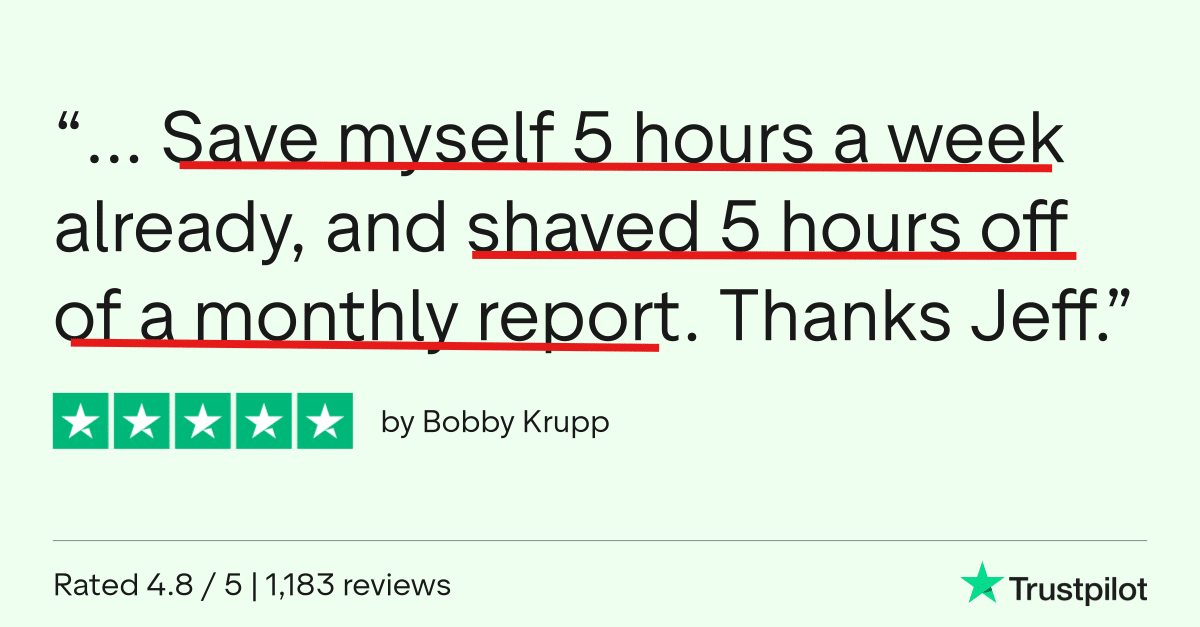
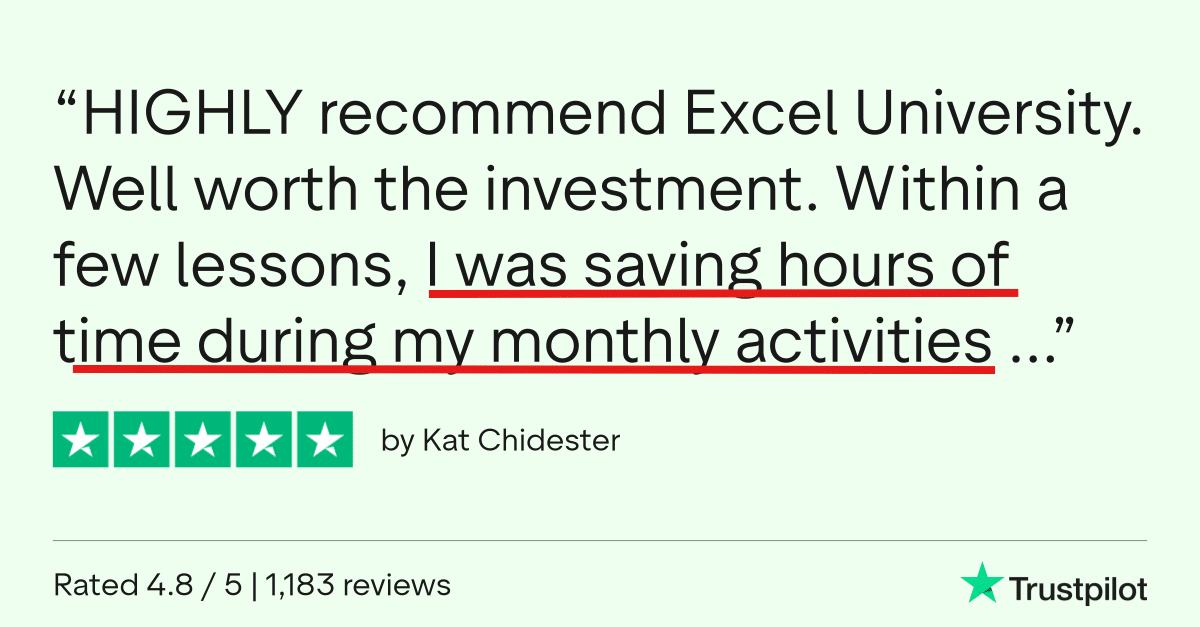
Don't Take My Word For It

Register Now
CPE Pass + Excel Accelerator
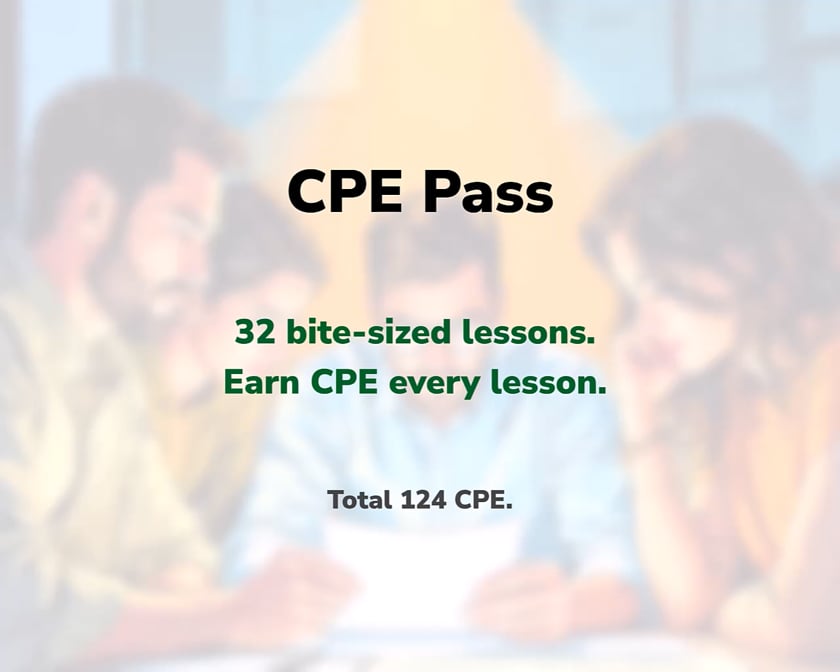
124 CPE earned after each of 32 lessons.
Average of 4 CPE per lesson.
Register Now and join your cohort on Monday.
$591/year. Cancel anytime with two clicks. Keep access during current billing cycle when you cancel. Cancel stops the auto-renewal.
Note: the free trial page shows $620. But your $29 discount is applied at the first charge (and all subsequent billing cycles) so the actual charge after the trial will be $620 - $29 = $591.


Additional Information about the CPE Pass
Note: the free trial page shows $620. But your $29 discount is applied at the first charge (and all subsequent billing cycles) so the actual charge after the trial will be $620 - $29 = $591.
FAQs
How does access and billing work?
- You have full access to all materials during the one-year billing cycle. Subscription auto-renews each year until you cancel. Cancel at will with two clicks inside. When you cancel, you retain access to the materials during the current billing cycle and the subscription no longer renews. Cancel anytime.
Will I forget about the subscription (and forget to cancel)?
- You won't forget that you have a subscription because I will be present in your email inbox delivering weekly Excel articles. So, no ... you won't forget about me, Excel University, or your subscription.
How do the billing discounts work?
- Achieve a key training milestone, pass the exam, click the Claim Billing Discount link.
- $100 applied for each of two training milestones.
- The billing discount is permanent for all future billing cycles.
- Billing discounts are not retroactively applied nor refunded.
- We do this to reward action. Hitting milestones correlates with faster results. So we share the win.
Do I have to be at a certain skill level?
- I've intentionally designed this course to help Excel users at all levels.
Will the training be too difficult?
- I have implemented everything I learned about teaching Excel over the past decade. And as a result, I use common language to explain concepts rather than trying to make myself sound smart by using techie terms and acronyms. I use everyday plain language to make the technical topics easy to understand.
How much time will it take?
- Students arrive with various experience levels and goals, so it is hard to say exactly how long it will take. But, a good estimate is one hour for the number of CPE issued. For example, if a lesson is 4 CPE, it will take the average student around 4 hours to complete, plus or minus.
Can't I just figure all of this out on my own?
- Well ... maybe ... but that will take way too long. As Steve Jobs said, Time is our most precious resource. My training program is designed to help you learn Excel in the most efficient and effective possible way.
CPE Information
- Instructor: Jeff Lenning CPA
- Recommended Software: Excel 365 for Windows
- Program Level: Basic
- Prerequisites: None
- Advance Preparation Needed: None
- Delivery Method: QAS Self-Study (on-demand)
- Expiration Date: One-year; auto-renews until you cancel
- Refund Policy: Full refund within 30 days or until you earn any CPE, whichever comes first.
- Field of Study: Computer Software & Applications
- Access Begins: Immediately
- Certificate of completion: Download with a passing exam score
- Recommended CPE: 124
- Materials: all materials are digital (no printed textbooks)
- Objectives: State the 7 steps of the Speed Loop process, Recall 5 core features and functions of Excel, Identify 3 tools that help automate Excel.
- Complaint Resolution: contact us at 949-200-7688 or [email protected]
- Official Registry Statement: Excel University, Inc. is registered with the National Association of State Boards of Accountancy (NASBA) as a sponsor of continuing professional education on the National Registry of Sponsors. State boards of accountancy have final authority on the acceptance of individual programs for CPE credit. Complaints regarding registered sponsors may be submitted to the National Registry of CPE Sponsors through its website nasbaregistry.org.